Vouchers
The voucher module helps you run promotions and encourage repeat bookings.
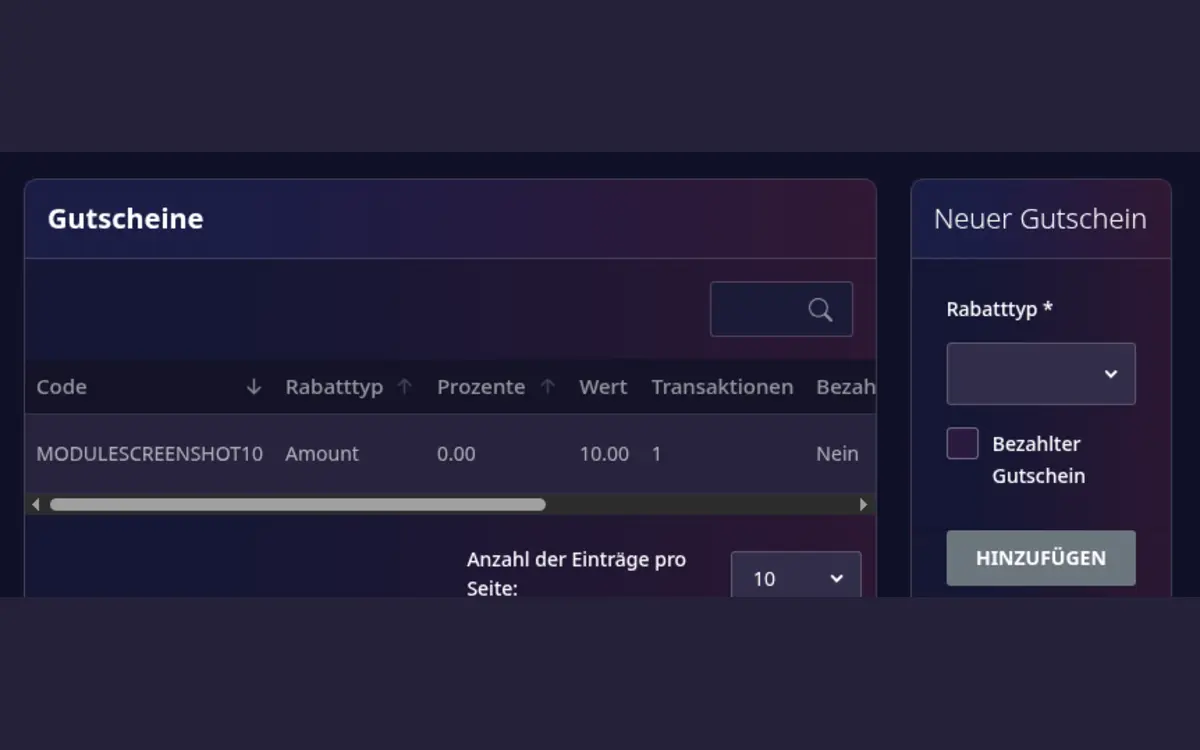
Create a voucher
- Open Host area > Modules > Voucher management.
- Create a voucher code and choose its value or discount.
- Set the validity period and any usage limits.
- Review the conditions before publishing the code.
- Share the code only with the intended audience.
Before publishing
- Decide whether the voucher is a fixed amount or a percentage discount.
- Check which playrooms and booking periods it applies to.
- Explain expiry dates and redemption conditions clearly.
- Test the code in the booking flow before distributing it.
Vouchers should be treated as a marketing tool. Keep a record of active campaigns so that your team can answer guest questions consistently.