Social media
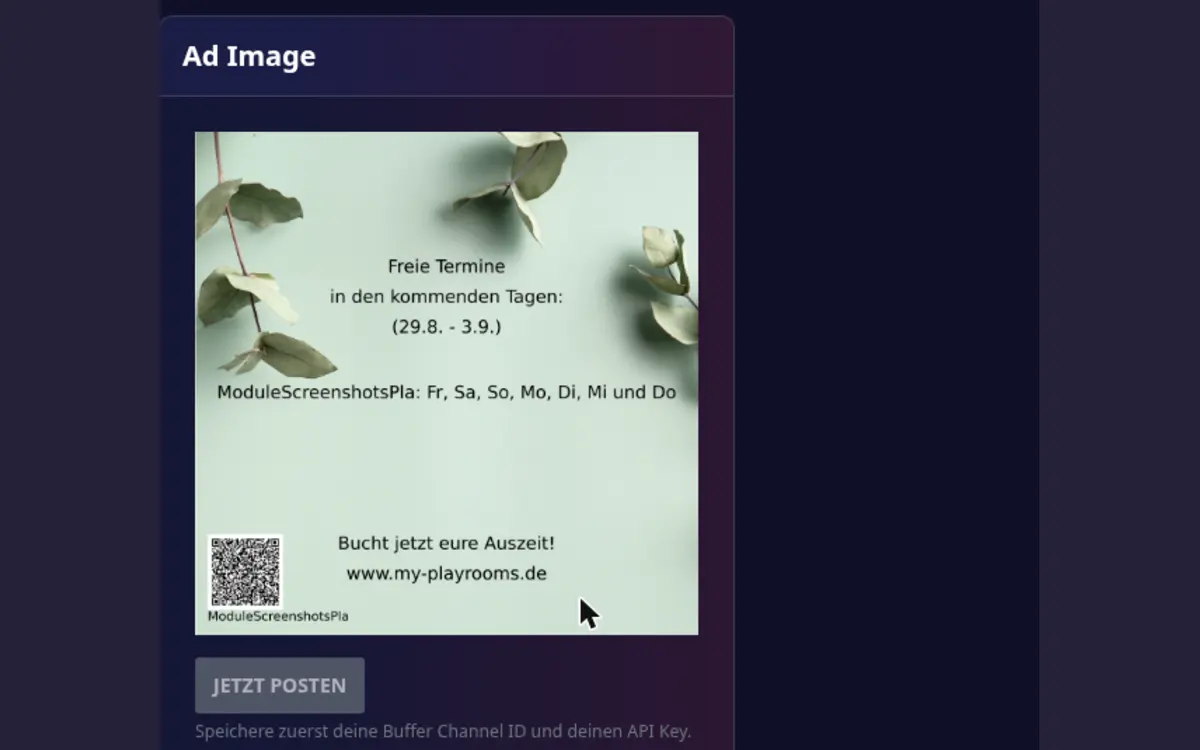
The social-media module creates promotional content for your playroom and lets you publish an advertising image through a connected Buffer channel.
Set up
- Open Host area > Modules > Social media.
- Connect your Buffer channel with its channel ID and API key.
- Select the playroom and review the generated advertising image.
- Correct the content if necessary.
- Publish only after checking the dates, price, and booking link.
Good practice
- Use current playroom photos and availability.
- Check that the post does not promise dates that are already booked.
- Keep promotional wording consistent with your public house rules.
- Revoke or replace the Buffer connection when the channel or API key changes.