Bookings and order management
The booking module is the daily workspace for handling requests and confirmed bookings for your playrooms.
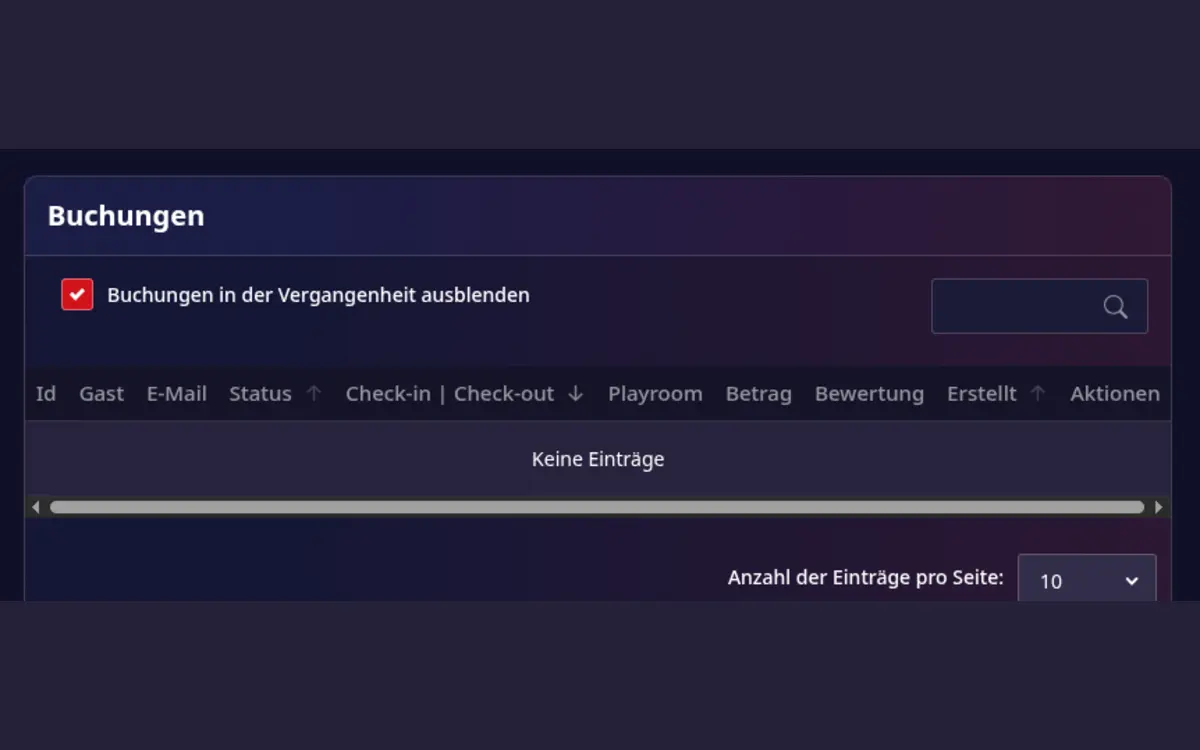
Host-area booking overview. The exact fields and available actions depend on the booking status and the modules enabled for your account.
What you can do
- Review bookings for all of your playrooms in one place.
- See the booking status and payment information.
- Open a booking to review its details and communicate with the guest.
- Confirm or reject booking requests according to your availability and house rules.
- Keep the booking calendar aligned with the availability you publish.
Setup
Before accepting bookings, complete these settings for every playroom:
- Set the days and times when the playroom can be booked.
- Define the booking duration and any minimum or maximum stay rules.
- Add the price and any additional charges that apply to a booking.
- Write clear house rules and arrival information.
- Review the public playroom page from a guest's perspective.
Handling a booking request
- Open Host area > Orders.
- Filter or sort the list to find new requests.
- Check the playroom, date, time, number of guests, price, and payment status.
- Confirm the request only when the time slot is available and the house rules are suitable.
- Reject the request when you cannot host it and include a useful explanation where possible.
- Continue communication from the booking detail page so the conversation stays attached to the booking.
Availability and imported events
Availability is calculated from your playroom settings, existing bookings, and blocked or imported calendar events. Check the host calendar after changing a time restriction or importing calendar data. A conflict should be resolved before you confirm a request.
Good operating habits
- Review new requests regularly and respond quickly.
- Keep prices and availability current before publishing special offers.
- Use the booking detail page as the source of truth instead of maintaining a separate manual list.