Telegram notifications
Telegram notifications send booking alerts to your Telegram account or chat so you can react quickly to new requests.
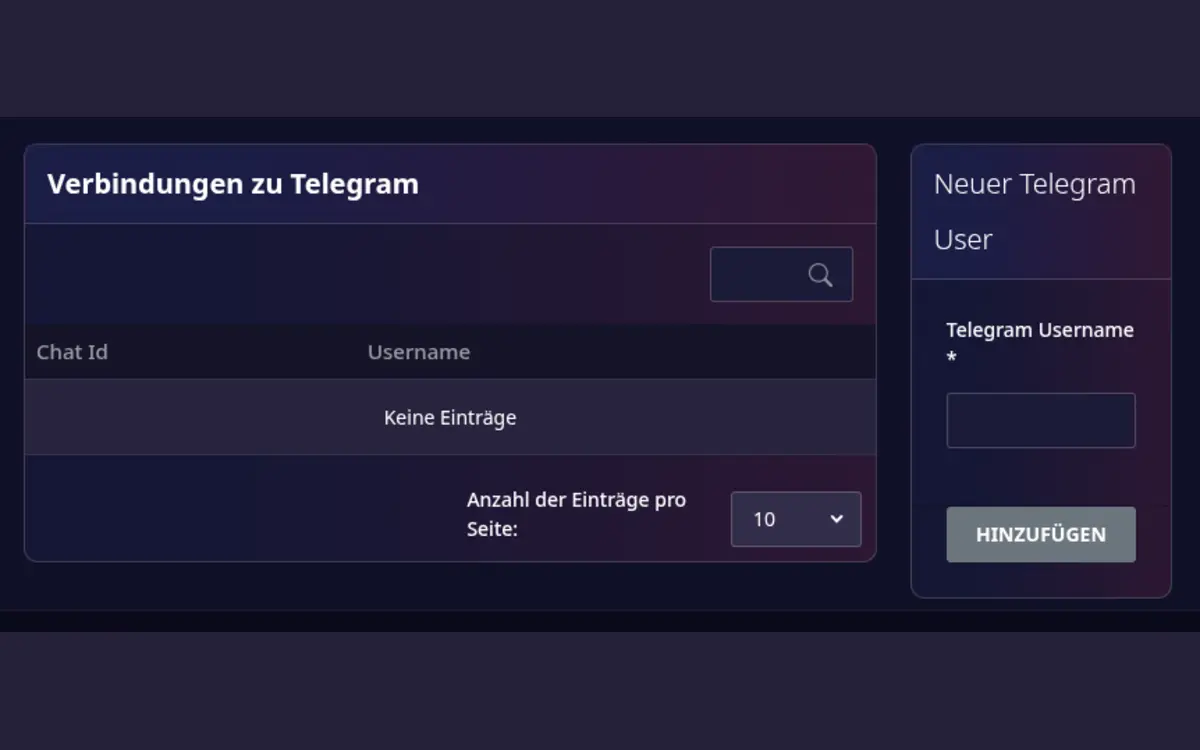
Connect Telegram
- Open Host area > Modules > Telegram notifications.
- Enter your Telegram username and create the connection.
- Follow the authentication link shown by My Playrooms.
- Confirm the connection in Telegram.
- Send a test message from the module page.
The module page shows whether a connection is authenticated. You can remove an old connection and create a new one if the account or chat has changed.
Troubleshooting
- Make sure the Telegram username is correct.
- Complete the authentication flow before closing the Telegram page.
- Send a test message after changing the connection.
- Remove stale connections when a device or account is no longer used.