Dashboard
The dashboard gives you a quick view of important playroom and business indicators, such as occupancy, revenue, and booking trends.
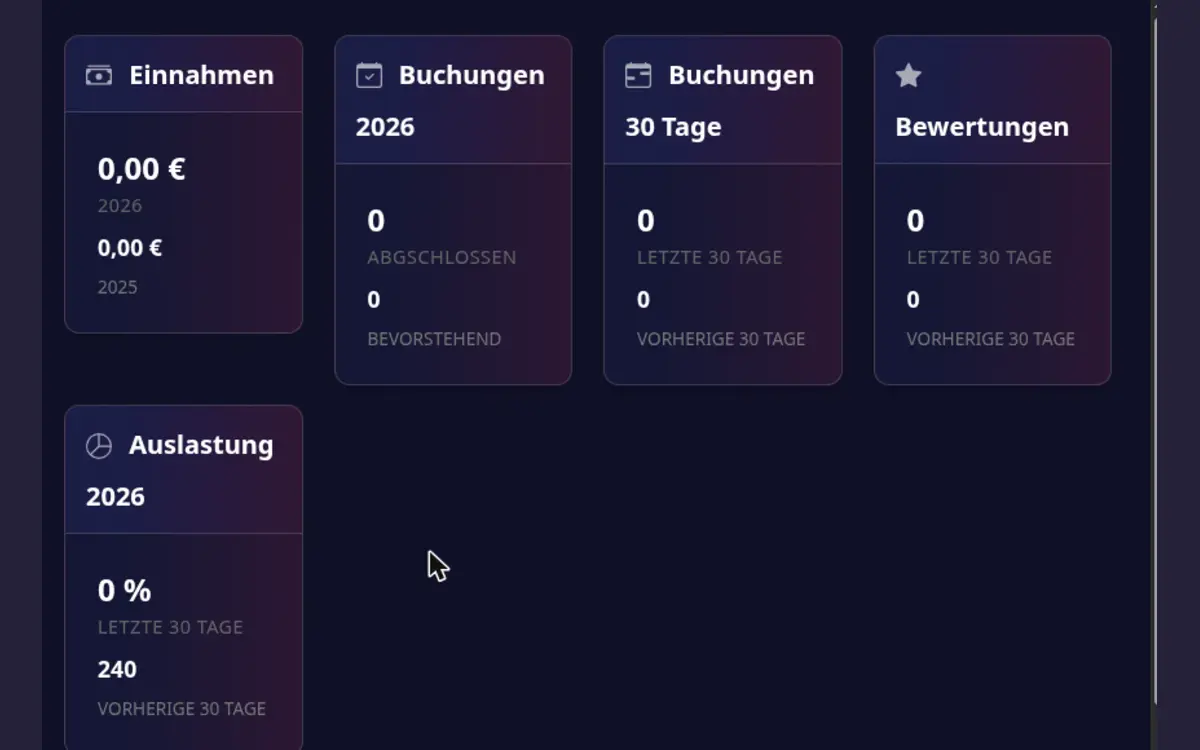
Use the dashboard
- Open Host area > Dashboard.
- Select the relevant time range or playroom when filters are available.
- Compare trends with your availability and pricing changes.
- Open the booking or calendar area when a number needs investigation.
Dashboard values are summaries. Use the booking list, payment details, and calendar as the source of truth for individual transactions and dates.